HeatWise Kids AR
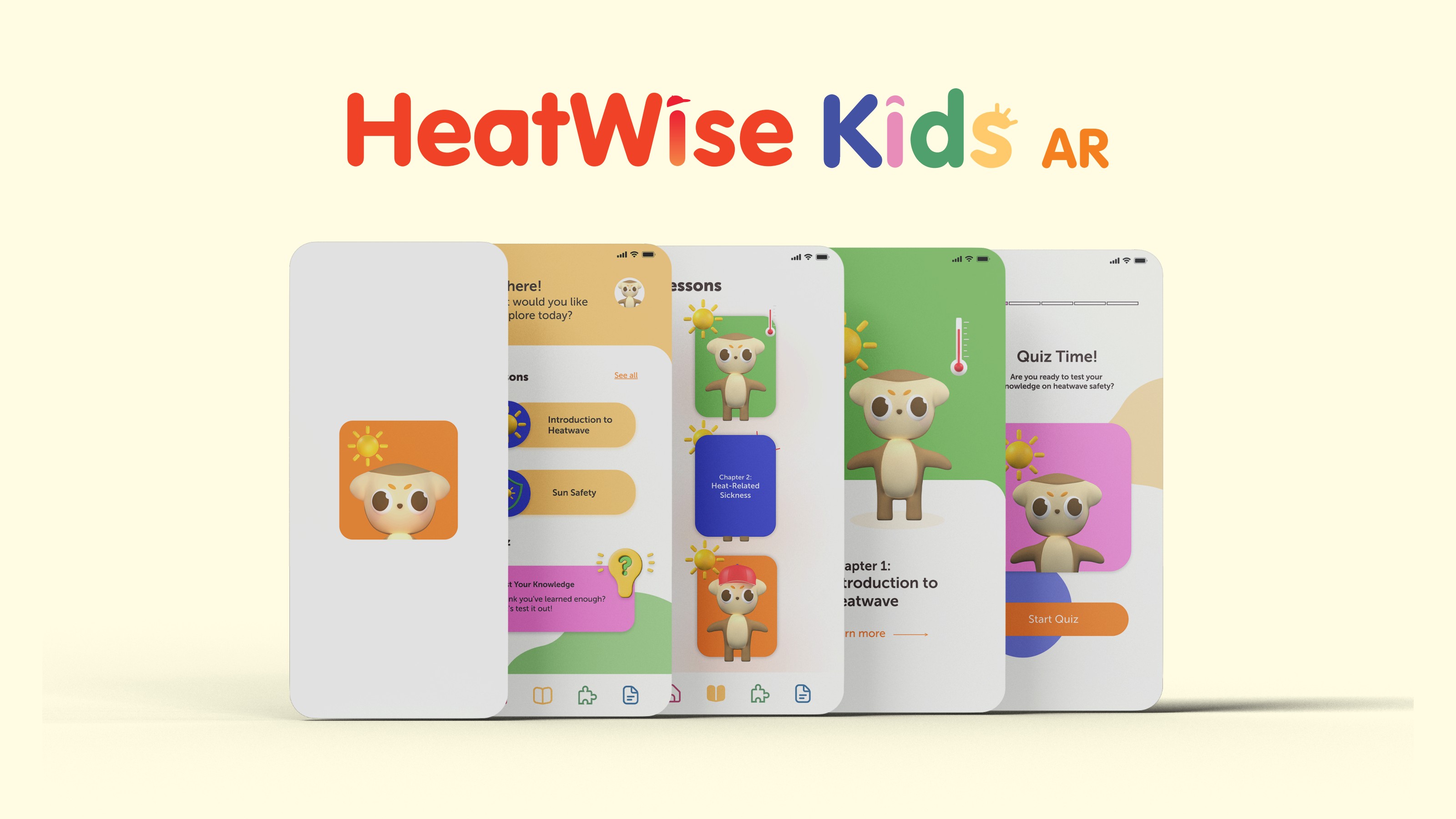
An augmented reality app that helps parents and teachers teach primary school kids about heatwave safety — because heatwaves are recurring in Malaysia, and no learning materials were made for the kids living through them.
- Role
- UI/UX, AR, Graphic
and 3D Designer - Platform
- Mobile · AR
- Tools
- Adobe XD, Aero,
Blender, Procreate - Users
- Kids 7–12,
parents & teachers
Heatwaves are a recurring climate phenomenon in Malaysia, yet there's a lack of learning materials that educate children about heatwave safety. Existing resources aren't curated for kids — and there's no interactive app that teaches them the dangers and precautions in a way that's age-appropriate and actually engaging.
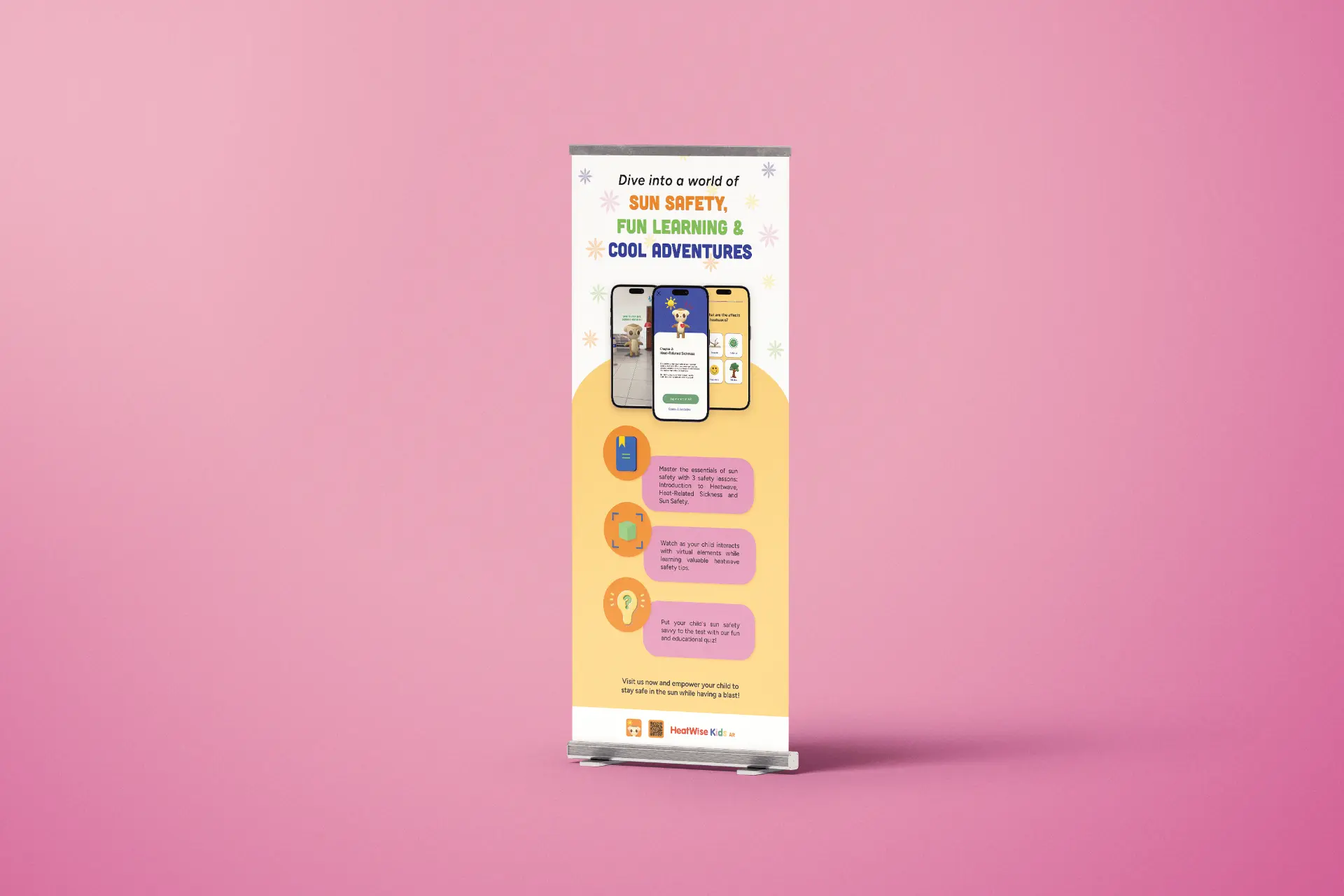
A child-friendly AR mobile app covering three lesson topics — Introduction to Heatwave, Heat-Related Sickness, and Sun Safety — each with an interactive AR scene, a quiz to gauge understanding, and a video tutorial for parents and teachers. In feedback testing, 85% found it intuitive for kids and 90% would recommend it to other parents and teachers.
of parents said their children frequently experienced effects of heatwaves.
found existing heatwave resources unsuitable or not curated for their kids.
agreed there should be a mobile app that teaches children heatwave safety.
have children who already use digital learning apps.
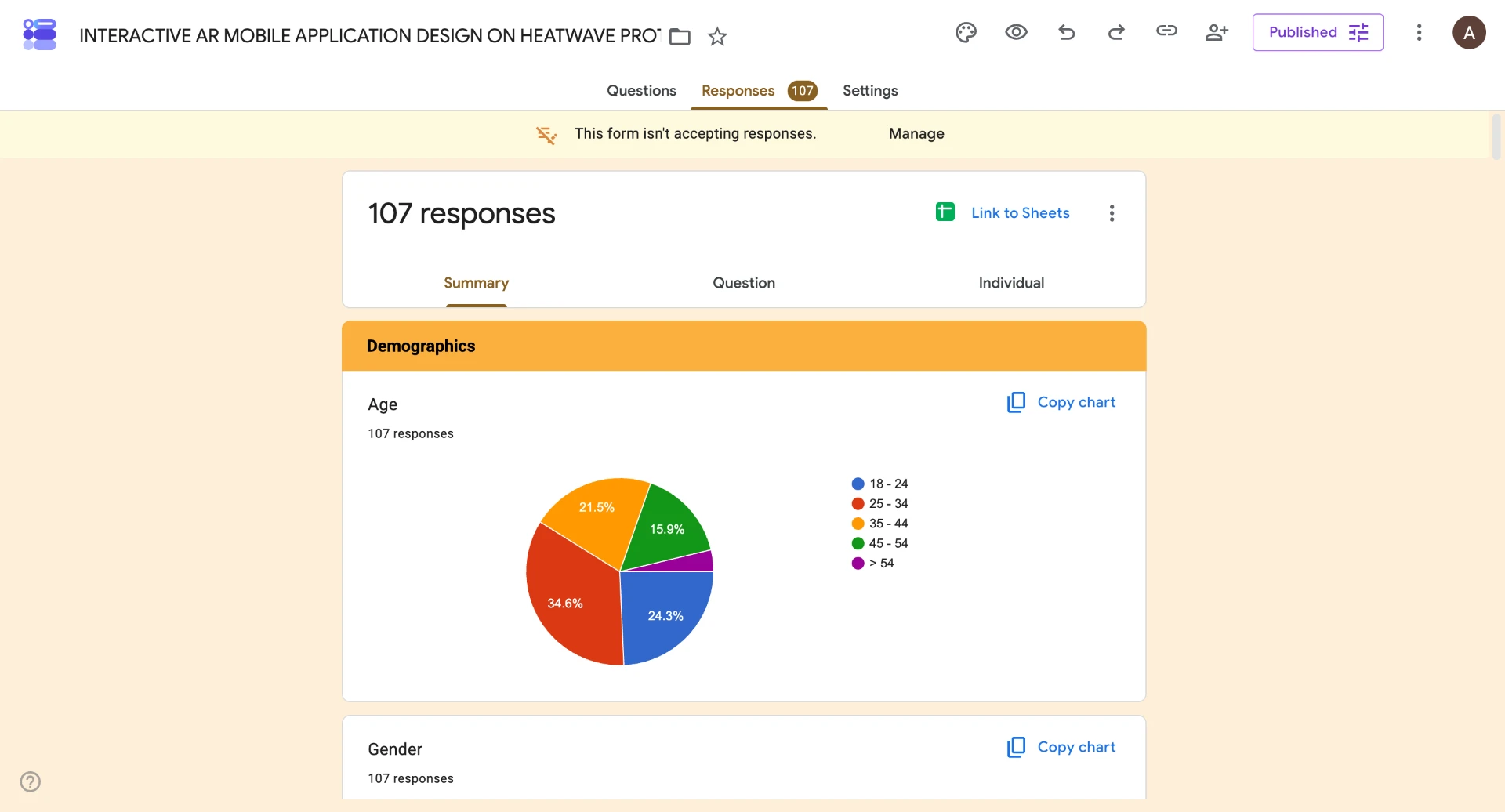
Survey of 100+ parents, family members, and teachers of primary school children.
What I decided, and why
 01
Starting with a survey, not screens
Before designing anything, I surveyed 100+ parents, family members, and teachers of primary school children about their experiences with heatwaves and their kids' app usage. The results made the need obvious — and told me the app had to win over adults first, since they're the ones who hand the phone over.
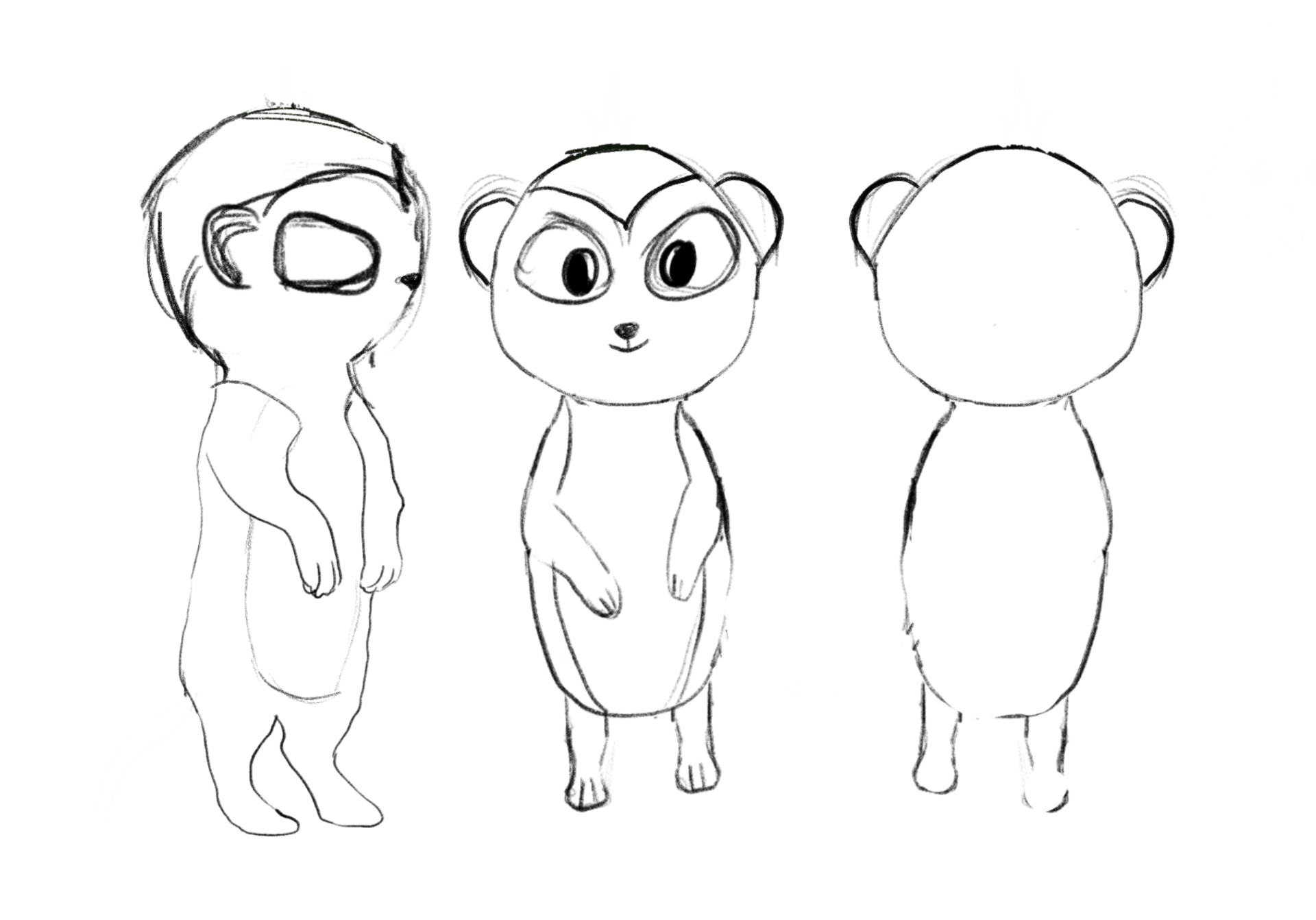
Draft — early sketches in Procreate 
Final — 3D model built in Blender 02A mascot to carry the scary stuff
Heatstroke is a heavy topic for a 7-year-old. I designed Mira the Meerkat as the app's avatar and friendly guide, so safety information could be delivered in a fun, relatable way instead of as warnings. Branding, logo, and 2D/3D assets were all built around this playful tone.
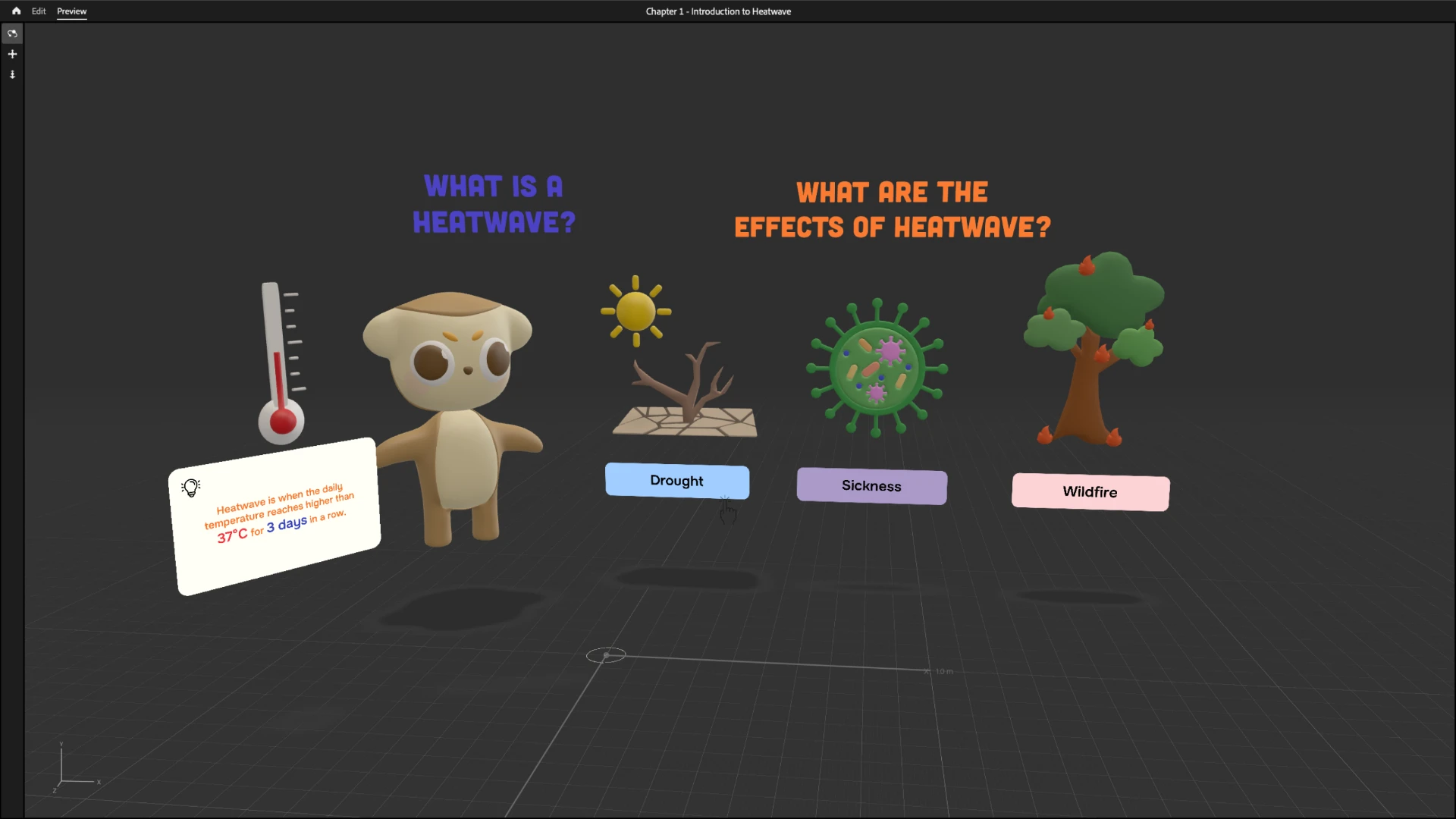
Scene 1 — Introduction to Heatwave 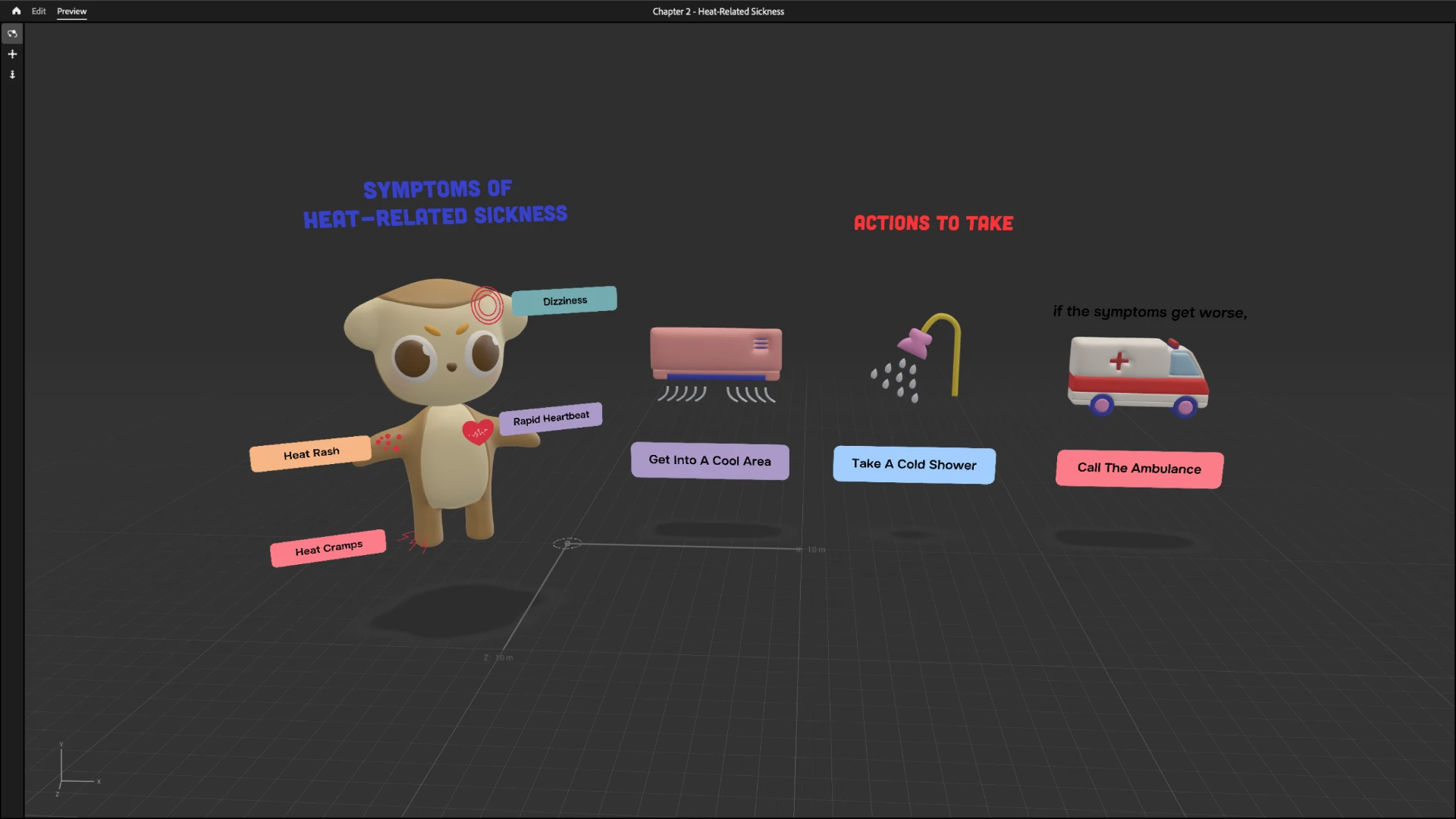
Scene 2 — Heat-Related Sickness 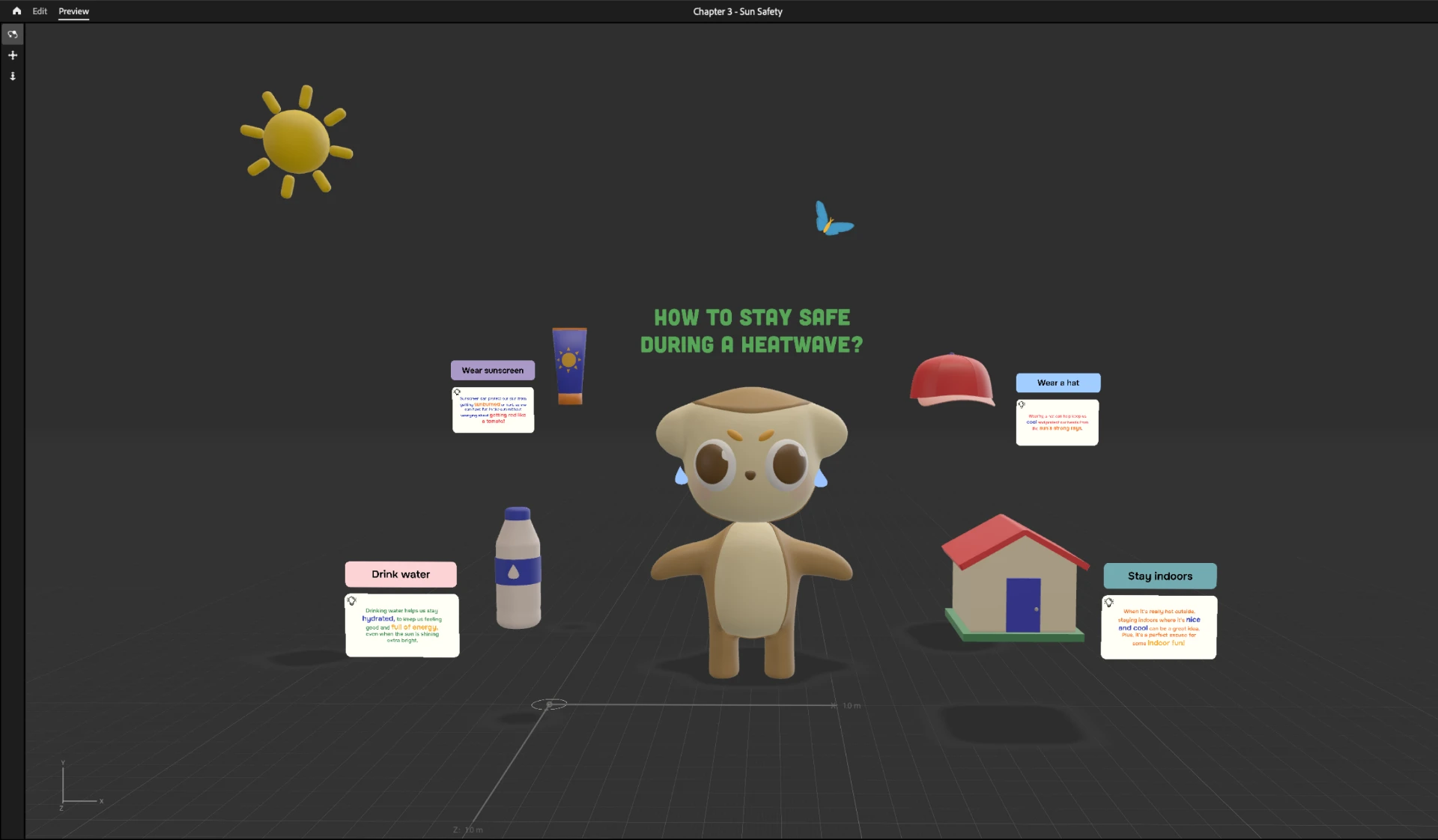
Scene 3 — Sun Safety 03AR as the teaching moment, not the gimmick
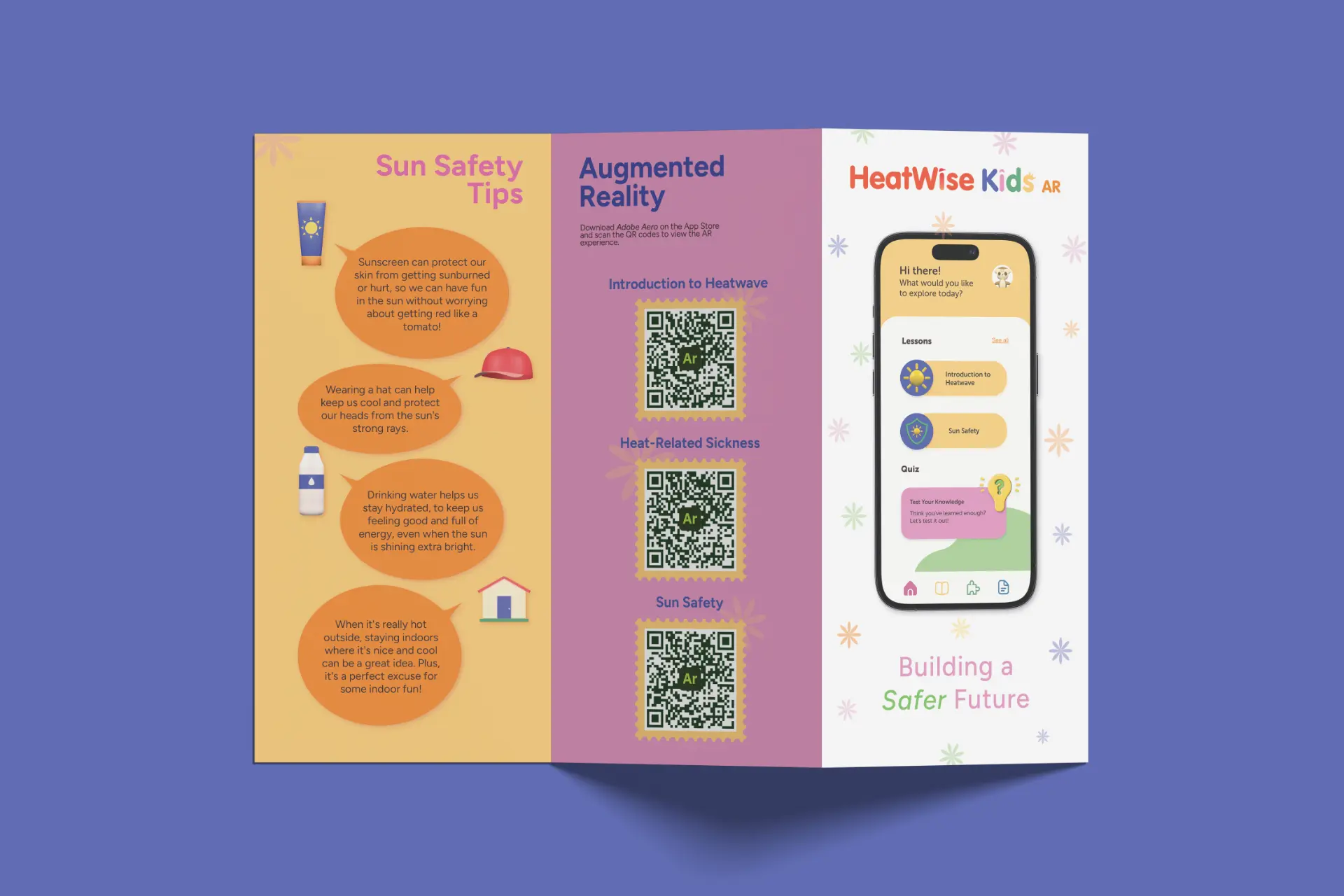
Each of the three lessons — Introduction to Heatwave, Heat-Related Sickness, and Sun Safety — ends in an interactive AR scene built in Adobe Aero. Kids explore 3D models and animated 2D illustrations in their own space with simple tap interactions, making abstract climate concepts tangible.
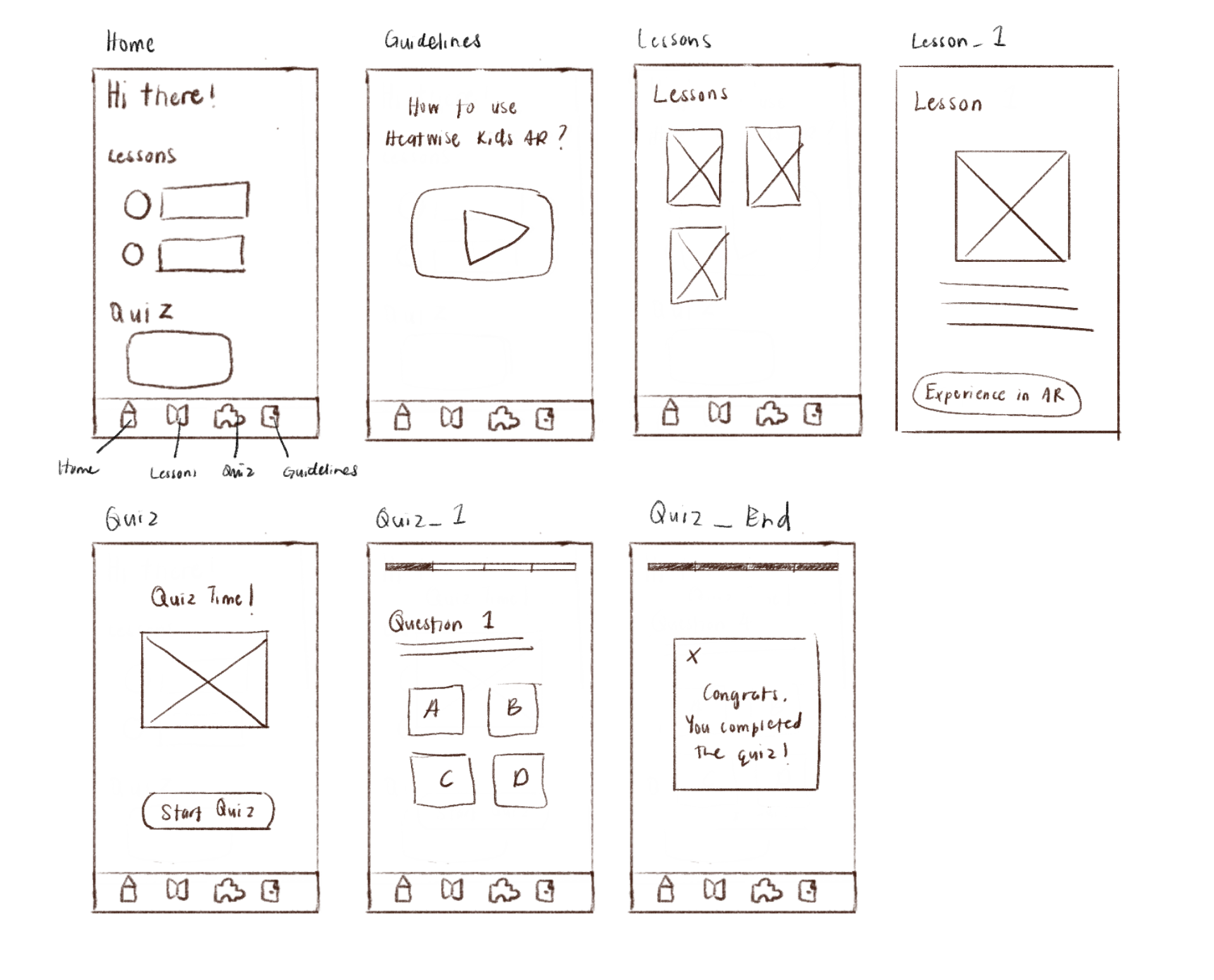
Lo-fi — early wireframes mapping the app's flow 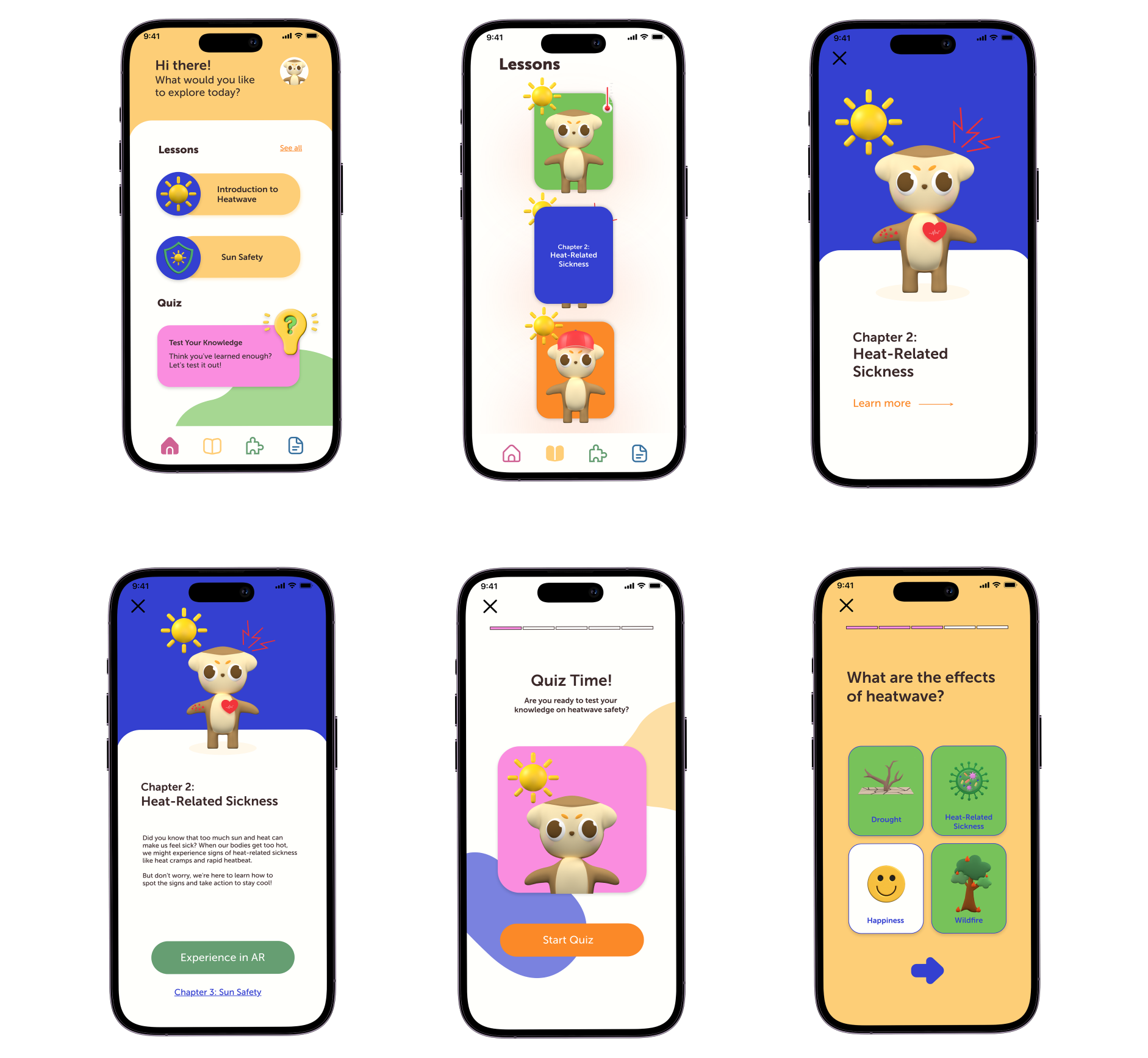
Final — the polished, kid-friendly interface 04From lo-fi flow to kid-proof UI
The flow stayed deliberately shallow: Home, Lessons, Quiz, and a video tutorial for parents and teachers. Wireframes validated the structure before I invested in the illustrated, high-contrast final interface — big tap targets, short text, and a quiz that gauges what kids actually retained.
The app in motion
Beyond the App
What I learned
What I learned
- Designing for kids requires balancing fun with clarity — visual storytelling and simplicity are key.
- AR can be a powerful educational tool when paired with interactive, age-appropriate content.
- Early user research helped shape the design direction and identify real-world needs.
Challenges
- Creating 3D and AR content from scratch was time-intensive.
- Testing with actual children was limited by access and time constraints.
- Simplifying complex climate safety information for kids was difficult but rewarding.
What I'd do differently
- Run more in-depth usability testing directly with primary school children.
- Add voiceovers or narration for accessibility with younger users.
- Improve inclusivity with higher color contrast, dyslexia-friendly fonts, and audio support.